How to verify email and phone number?
Becoming a verified user consists of verifying your email address and phone number. If the account was created as a user for another account, this process is mandatory to accept the invitation.
In all instances to verify your account:
Email
-Please Click on verify your Email
-Your email will be automatically filled in verify it is correct> Click Submit
-Please open your email on a new tab if necessary
--You will have received an email with a verification code
--Enter this code> then click Next
Phone
-You will be redirected to continue by verifying your phone number
-Enter your phone number > wait for the code> Type in the code, and you're done
--Note: You will be sent a text message for verification. If you need to verify a landline, contact our support team.
You may refer to the bottom screenshot
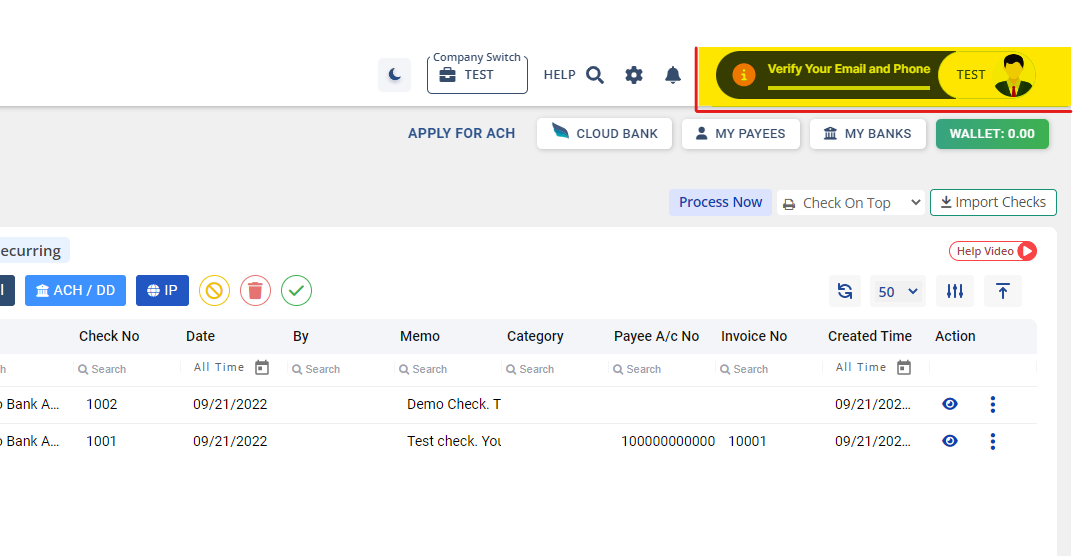
You may refer to the bottom screenshot
Once both steps are completed, your account will now be a verified user account.